
1. Rate Limiting: Concrete Rules to Protect Your APIs and Workflows
*Rate limiting* controls access to a resource by restricting the number of allowed requests over a given period, using precise criteria per client, endpoint, or resource. Unlike *throttling* (global limits), it provides granular control to avoid blocking while respecting third-party API quotas.
1.1 Counting Criteria and Examples (Cloudflare)
Cloudflare offers *rate limiting* rules with various criteria, available depending on *Business* or *Advanced Rate Limiting* plans [F1][F3]:
- User Agent: Limit requests from a mobile app to 100 requests/10 min (counting by IP). [F1]
- IP: Block excessive requests to a sensitive endpoint (e.g., /login).
- Clearance UUID: Limit requests to /checkout to 100 requests/10 min (*Block* action), excluding requests without a clearance cookie. [F2]
- Host: For SaaS with multiple hosts under one zone, use *Host* as a counting criterion. [F4]
- ASN or IP list: Exclude partner IPs (e.g., *partner_ips* list) from limits. [F4]
1.2 Example: Protecting a /login Endpoint (Cloudflare)
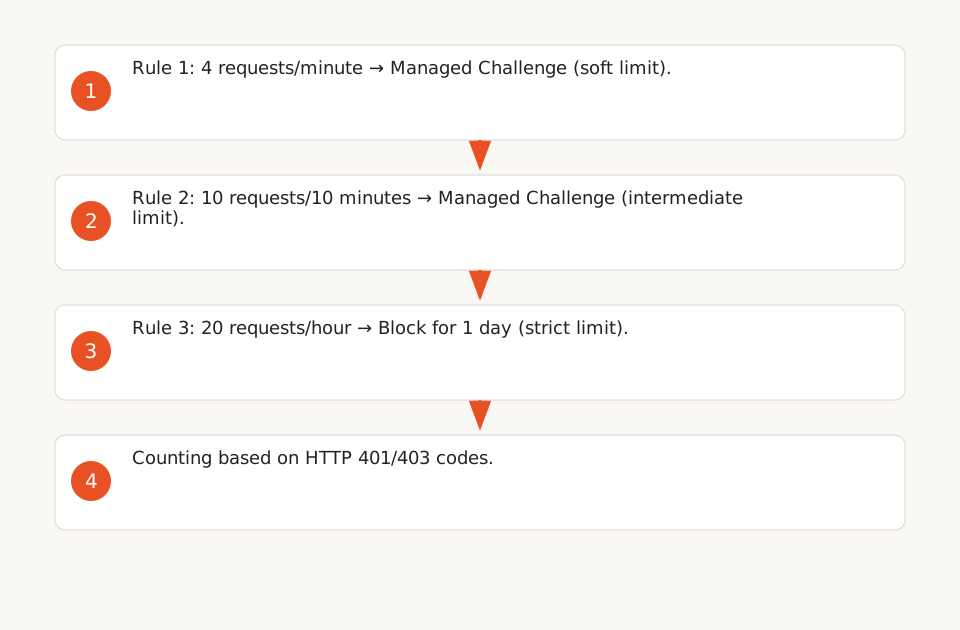
Cloudflare provides a multi-tier *rate limiting* example for a /login endpoint (POST method), with progressive actions:
- Rule 1: 4 requests/minute → *Managed Challenge* (soft limit).
- Rule 2: 10 requests/10 minutes → *Managed Challenge* (intermediate limit).
- Rule 3: 20 requests/hour → Block for 1 day (strict limit). [F3]
Counting is based on HTTP 401/403 codes, specifically targeting failed authentication attempts.
1.3 Available Actions
Cloudflare offers several actions for handling exceeded limits:
- Block: Block the request and return a 429 error.
- Managed Challenge: Display a CAPTCHA or JavaScript challenge to verify the client is human.
- JS Challenge: Execute a JavaScript script to validate the client.
- Log: Log the request without blocking (useful for debugging).
1.4 Limitations and Precautions
- Advanced rules (e.g., multi-tier or criteria like *Clearance UUID* and *ASN*) require a *Business* or *Advanced Rate Limiting* plan on Cloudflare. [F3]
- Test rules in a staging environment to avoid blocking legitimate clients.
2. Retry: Exponential Backoff + Jitter to Avoid Overloads
When an API returns a 429 or 5xx error, a poorly configured *retry* can worsen the situation by overloading the server. Best practices involve using exponential backoff (increasing delays between attempts) and jitter (random delay added to spread requests).
2.1 Key Parameters (Google Cloud Client Libraries)
Google Cloud Client Libraries (Java) implement retries with the following parameters:
- InitialRetryDelayDuration: Initial delay before the first retry (e.g., 100 ms). [F5]
- RetryDelayMultiplier: Multiplier for the delay between retries (e.g., 1.3 or 2.0).
- MaxRetryDelayDuration: Maximum delay between retries (e.g., 60 s).
- TotalTimeoutDuration: Total time allocated for retries (e.g., 60 s).
2.2 Example: Exponential Backoff + Jitter
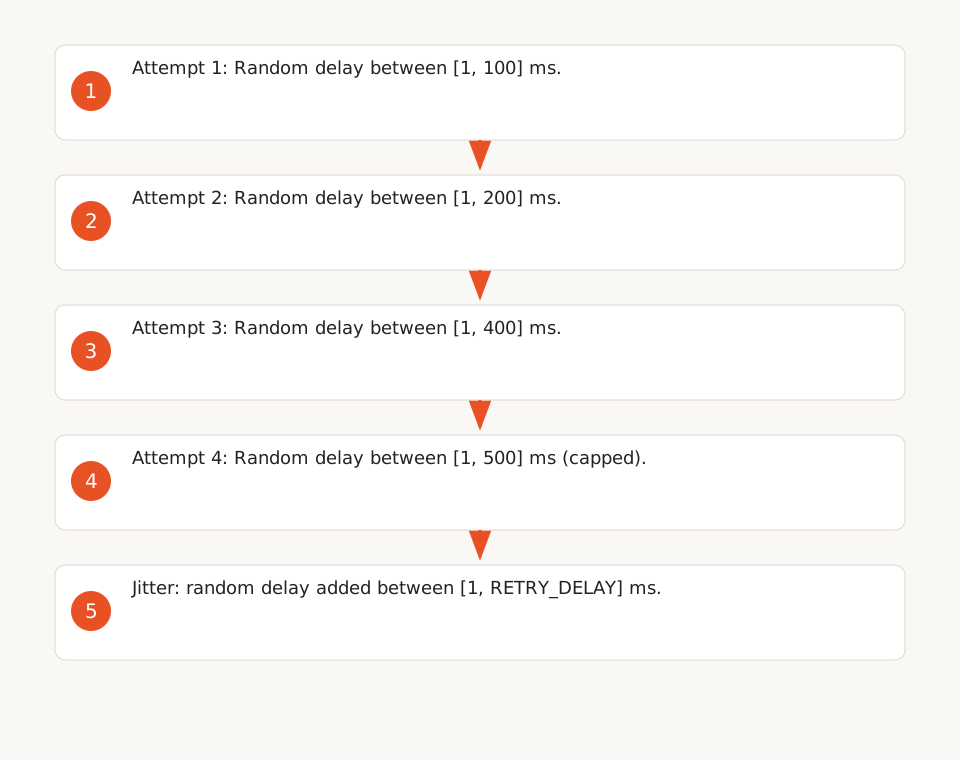
Here’s how exponential backoff with jitter works:
- Initial delay: 100 ms.
- Multiplier: 2.0.
- Maximum delay: 500 ms.
- Jitter: Random delay added between [1, RETRY_DELAY] ms. [F6]
Result:
- Attempt 1: Random delay between [1, 100] ms.
- Attempt 2: Random delay between [1, 200] ms.
- Attempt 3: Random delay between [1, 400] ms.
- Attempt 4: Random delay between [1, 500] ms (capped).
2.3 Recommended Algorithm (Google Cloud IAM)
Google Cloud IAM recommends *truncated exponential backoff with jitter* for 500, 502, 503, and 504 errors (and optionally 404). The algorithm is as follows:
- Delay = min(2n + random-fraction, max-backoff), where n increments with each retry.
- Example:
- Attempt 1: 1 + random-fraction seconds.
- Attempt 2: 2 + random-fraction seconds.
- Attempt 3: 4 + random-fraction seconds.
- ...
- Maximum delay: 60 seconds.
- Deadline: 300 seconds (stop retries). [F7]
2.4 Ready-to-Use Template (Python)
Here’s a Python example for implementing retry with exponential backoff + jitter:
import time
import random
import requests

def retry_with_backoff(
    func,
    initial_delay=0.1,
    max_delay=60,
    multiplier=2.0,
    deadline=300,
    retryable_codes=(408, 429, 500, 502, 503, 504),
):
    start_time = time.time()
    attempt = 0
    while True:
        try:
            response = func()
            if response.status_code not in retryable_codes:
                return response
        except requests.exceptions.RequestException as e:
            if not is_retryable_exception(e):
                raise

        elapsed = time.time() - start_time
        if elapsed >= deadline:
            raise Exception("Retry deadline exceeded")

        delay = min(initial_delay * (multiplier ** attempt), max_delay)
        jitter = random.uniform(0, delay)
        time.sleep(jitter)
        attempt += 1

def is_retryable_exception(e):
    # Check if the exception is retryable (e.g., timeout, disconnect)
    return isinstance(e, (requests.exceptions.Timeout, requests.exceptions.ConnectionError))

# Example usage
response = retry_with_backoff(
    lambda: requests.get("https://api.example.com/data"),
    initial_delay=0.1,
    max_delay=60,
    multiplier=2.0,
    deadline=300,
)
2.5 Keerok Experience: Fixing a Saturated n8n Workflow
During a migration project, an n8n workflow was re-reading up to 20,000 products per minute, combined with three other workflows filtering on a global field. Result: API saturation with cascading 429 errors. The fix involved:
- Limiting the *lookback* to 5 minutes.
- Saving *lastRun* at the start of execution.
- Enabling retries for 429 errors with exponential backoff.
- Restricting formulas to relevant fields. [E2]
Result: No errors after 15 hours of testing.
3. Throttling and Quotas: Global and Per-Client Limits (AWS API Gateway)
*Throttling* applies global limits to protect infrastructure, unlike *rate limiting* (which targets specific clients or endpoints). AWS API Gateway uses a *token bucket* algorithm to manage these limits.
3.1 Default Limits (AWS API Gateway)
- 10,000 requests per second (RPS) per account and per region, burst included. [F10]
- Clients receive a 429 error beyond this limit.
- These limits are *best-effort*: clients may exceed them temporarily. [F12]
3.2 Usage Plans: Limiting by Client (API Keys)
AWS API Gateway allows configuring *usage plans* to limit throughput per client (via API keys) or per method/endpoint:
- Example: Limit a client to 100 RPS for a specific method. [F11]
- Limits are *best-effort* and do not guarantee strict blocking.
3.3 AWS Recommendations
- Use AWS WAF for strict limit control (instead of relying solely on *usage plans*).
- Monitor costs with AWS Budgets, as *usage plans* do not block overages. [F12]
4. Idempotence and Retryable HTTP Codes (Google Cloud Storage)
Not all HTTP codes are retryable, and not all operations are idempotent. Here’s how to determine if a retry is safe.
4.1 Retryable HTTP Codes
Google Cloud Storage defines the following codes as retryable:
- 408 (Request Timeout), 429 (Too Many Requests), 5xx (Server Errors).
- Socket errors: timeouts, disconnects. [F8]
4.2 Operation Idempotence
Idempotence determines whether an operation can be repeated without changing the resource’s final state:
- Idempotent: A *list* operation (e.g., listing files) is always idempotent, as it doesn’t modify the resource.
- Non-idempotent: A *create* operation (e.g., creating a Pub/Sub notification) is never idempotent for Pub/Sub notifications, as it generates a new ID each time. In other contexts, it may be idempotent under conditions (e.g., preconditions). [F8]
4.3 Retry Configuration (Google Cloud Storage Go)
By default, Google Cloud Storage (Go) enables retries only for idempotent operations:
- Initial delay: 1 second.
- Multiplier: 2.0.
- Maximum delay: 30 seconds. [F9]
5. Limitations and Best Practices
5.1 What the Sources Don’t Cover
- No source details *client-side throttling* (e.g., local token bucket algorithms).
- Costs are not directly addressed: sources focus on stability and quota compliance.
- AWS thresholds (10k RPS) are *best-effort* targets, not strict guarantees. [F12]
5.2 Best Practices for Your Workflows
- Test in staging: Validate *rate limiting* rules to avoid blocking legitimate clients.
- Monitor logs: Use tools like CloudWatch (AWS) or Stackdriver (Google Cloud) to detect 429 or 5xx errors.
- Document quotas: Note third-party API limits (e.g., Slack, Google Drive) and configure workflows accordingly.
- Use smart retries: Enable exponential backoff + jitter to avoid overloads.
- Limit non-idempotent operations: Avoid retries on *create* or *update* operations without idempotence mechanisms. See our API idempotency guide (internal link).