
1. Standardize Structure with OpenAPI
Effective API documentation starts with a standardized structure. The OpenAPI specification (F5) allows you to describe an API uniformly: endpoints, HTTP methods, request/response schemas, examples, and security. The result is documentation readable by humans and machines, usable to automatically generate clients, tests, or even the documentation itself (F6).
Why OpenAPI?
- Interoperability: Tools like Swagger UI or Redoc transform an OpenAPI file into an interactive interface.
- Maintainability: An OpenAPI document can be versioned with the code, reducing gaps between documentation and implementation.
- Automation: SDK generation, compliance testing, or schema validation (F6).
Minimal OpenAPI Document Example
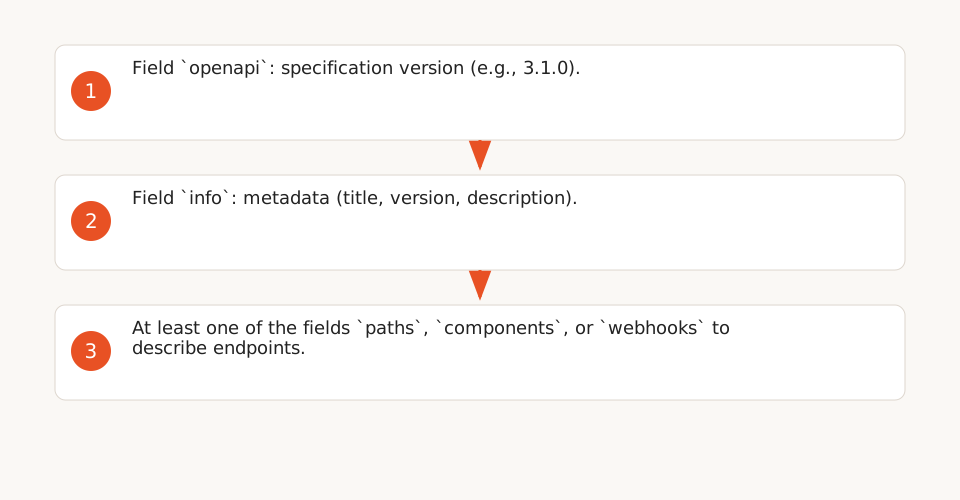
A valid OpenAPI document must include at least the following fields (F7):
openapi: Specification version (e.g., "3.1.0").info: Metadata (title, version, description).paths,components, orwebhooks: At least one of these fields to describe endpoints.
openapi: 3.1.0
info:
  title: Task Management API
  version: 1.0.0
description: An API to create and manage tasks.
paths:
  /tasks:
    get:
      summary: List all tasks
      responses:
        '200':
          description: A list of tasks.
Tools to Generate and Validate OpenAPI
- Swagger Editor: Online editor to write and validate OpenAPI files.
- Redoc: Interactive documentation generator from an OpenAPI file.
- Spectral: Linter to check OpenAPI file compliance with best practices.
2. Document Every Technical Element Exhaustively
According to Google’s style guide (F1), API documentation must cover all public elements: classes, methods, parameters, return values, and exceptions. Each description should be concise, in present tense, and use specific verbs to describe actions (F2). Here’s how to structure this information:
Classes and Interfaces
- Start with a sentence describing the class’s purpose (e.g., "Manages user-related operations").
- Detail features and best practices for usage.
- Link relevant methods to facilitate navigation (F2).
Methods
- Describe the action with a verb (e.g., "Adds a new item", "Checks if...") (F4).
- Specify prerequisites, possible exceptions, and dependencies (e.g., Android permissions).
- Example: Android’s
isChangingConfigurationsmethod checks if the activity is being destroyed to be recreated with a new configuration (F4).
Parameters
- For non-boolean parameters, start the description with "The" or "A" (e.g., "The user’s name") (F2).
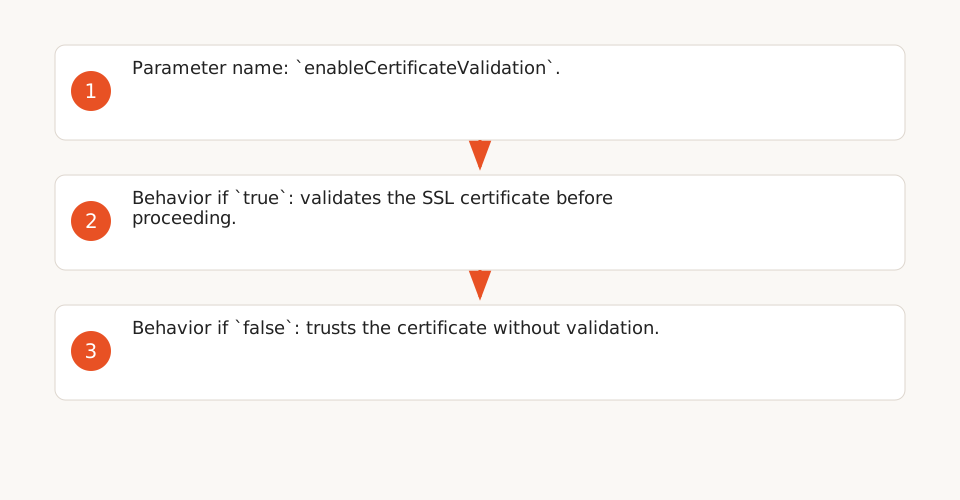
- For boolean parameters, explicitly specify behavior for
trueandfalse(F3):enableCertificateValidation: If true, validates the SSL certificate before proceeding. If false, trusts the certificate without validation. - Indicate default values and expected formats (e.g., UUID, timestamp).
Return Values and Exceptions
- Describe what the method returns (e.g., "A user object with id, name, and email fields").
- List possible exceptions and their conditions (e.g.,
SecurityExceptionif a permission is missing).
3. Provide Concrete Examples for Each Endpoint
Concrete examples are essential for developers to understand API usage. Structure this information as follows:
Required Elements for Each Endpoint
For each endpoint, include:
- The HTTP method (GET, POST, etc.).
- The endpoint path (e.g.,
/repos/{owner}/{repo}/issues). - Parameters (path, query, body) and their formats.
- Required headers (e.g.,
Accept: application/vnd.github+json). - A request and response example (F8).
GET /repos/owner/repo/issues?state=open HTTP/1.1
Host: api.github.com
Accept: application/vnd.github+json
User-Agent: MyApp/1.0.0

HTTP/1.1 200 OK
Content-Type: application/json

[
  {
    "id": 1,
    "title": "Authentication issue",
    "state": "open"
  }
]
Use Cases
Add realistic scenarios to show how to combine multiple endpoints. For example:
- Create a user, then assign them a role.
- Retrieve a list of tasks, then filter them by status.
4. Make Documentation Discoverable and Accessible
Well-written documentation is useless if it’s hard to find. Here’s how to improve discoverability:
Standardized URI for API Catalogs
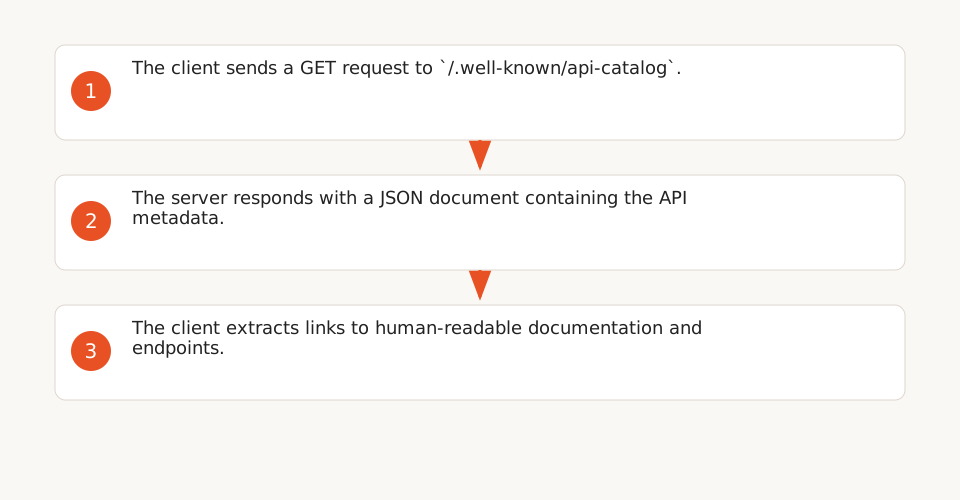
The IETF draft api-catalog proposes a standardized URI (.well-known/api-catalog) to automatically discover APIs published by a provider (F11). This machine-readable document can include:
- API metadata (name, version, description).
- Links to human-readable documentation (F12).
- Available endpoints and their uses.
.well-known/api-catalog.
- The client sends a GET request to
/.well-known/api-catalog. - The server responds with a JSON document containing the API metadata.
- The client extracts links to human-readable documentation and endpoints.
Technical Metadata
Document the following explicitly to avoid common errors:
- Required Headers: For example, GitHub requires a custom
User-Agentto avoid rejections (403 Forbidden) (F9).User-Agent: MyApp/1.0.0 - MIME Types: Specify supported formats (e.g.,
application/vnd.github+json) and their uses per endpoint (F10). - API Versions: Use a header like
X-GitHub-Api-Versionto specify the version (F10).
Explicit Links in Documentation
Add links to:
- Official SDKs (e.g., GitHub CLI, Octokit.js).
- Testing tools (e.g., Postman, cURL).
- Support forums or channels (e.g., Stack Overflow, Discord).
5. Keep Documentation Up-to-Date
Outdated documentation is worse than no documentation. Here’s how to keep it aligned with the code:
Automatic Generation
Use tools like Sphinx (Python) or Docusaurus to generate documentation from code comments. Example with Python:
def add_task(title: str, description: str = "") -> int:
    """
    Adds a new task to the list.

    Args:
        title (str): The task's title.
        description (str, optional): The task's description. Defaults to "".

    Returns:
        int: The ID of the new task.

    Raises:
        ValueError: If the title is empty.
    """
    if not title:
        raise ValueError("Title cannot be empty.")
    # Add logic...
    return task_id
Deprecation Notices
For obsolete elements, add a clear notice with:
- The reason for deprecation.
- The replacement method (with a link to its documentation).
- A migration example (F1).
/**
 * @deprecated Since version 2.0. Use {@link #newMethod} instead.
 */
public void oldMethod() {
    // ...
}
Documentation Testing
Integrate tests to verify that examples in the documentation work. For example:
- Run request examples with cURL or Postman to validate responses.
- Use tools like Swagger Test to test OpenAPI endpoints.
6. Checklist to Audit Your Documentation
Use this checklist to evaluate your API documentation quality:
- ✅ The structure follows a standard specification (e.g., OpenAPI).
- ✅ Every class, method, and parameter is documented.
- ✅ Descriptions are in present tense and use precise verbs.
- ✅ Boolean parameters specify behavior for
trueandfalse. - ✅ Concrete examples are provided for each endpoint.
- ✅ Required headers (e.g.,
User-Agent) are documented. - ✅ Supported MIME types are specified.
- ✅ Documentation is automatically generated from the code.
- ✅ Obsolete elements have a clear deprecation notice.
- ✅ Documentation is accessible via a standardized URI (e.g.,
.well-known/api-catalog).
Limitations and Additional Best Practices
The provided sources do not cover some important aspects:
- Documentation UX/UI: Tools like Redoc or Swagger UI improve user experience, but their design is not addressed here.
- User Feedback: No direct evidence on the impact of best practices on adoption (e.g., usage metrics).
- Collaboration: Review processes or documentation testing are not detailed.
- Other Protocols: Recommendations are limited to REST/HTTP APIs (not gRPC, GraphQL, etc.).
To go further, explore:
- API Idempotency: Preventing Duplicates in Automated Workflows (includes n8n template).
- Atlassian Rovo: Automate Project Planning and Delivery with AI (Ops Guide).