Why Automation Matters
The increasing demand for efficiency has made automation indispensable for businesses of all sizes. Automating repetitive tasks can lead to significant time and cost savings, allowing teams to focus on higher-value activities. Statistics show that companies implementing automation can see productivity increases of up to 30%.
Getting Started with Make
Make is a versatile automation tool that allows users to connect apps and automate workflows easily. Follow these simple steps to get started in just 10 minutes:
Step 1: Sign Up and Choose Your Apps
Begin by creating an account on the Make website. Once logged in, navigate to the dashboard and select the applications you want to integrate. Popular choices include Google Sheets, Slack, and Trello, but Make supports a wide array of apps.
Step 2: Create Your First Scenario
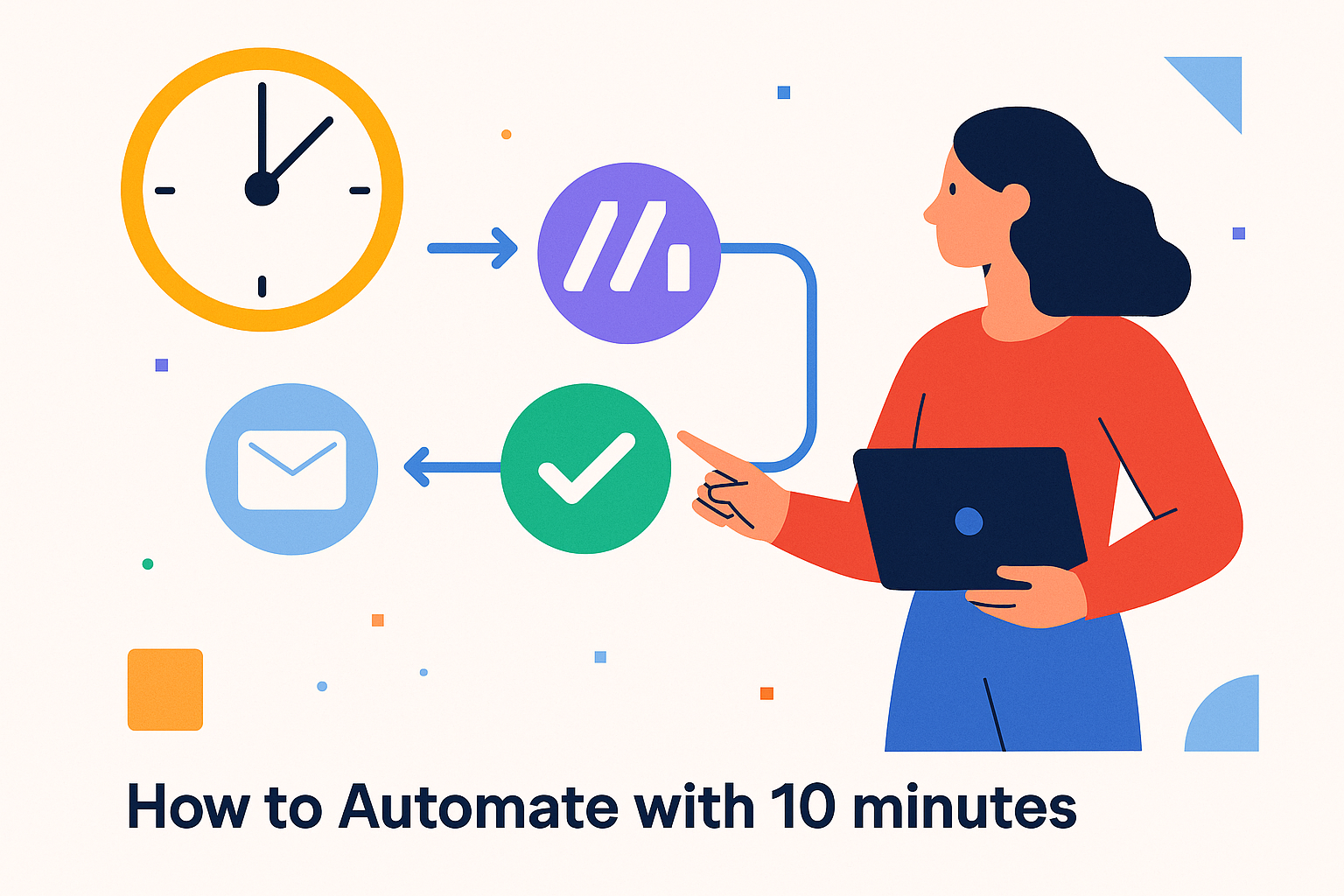
A scenario in Make is a series of connected tasks. Click on 'Create a New Scenario' and use the drag-and-drop interface to outline your workflow. For instance, you can create a scenario where a new row in Google Sheets automatically sends a notification to a Slack channel.
Step 3: Testing Your Workflow
After designing your scenario, it's crucial to test it to ensure everything works smoothly. Make provides a testing feature that simulates data flow through your scenario. Check your applications for the results and make adjustments as needed.
Real-Life Use Cases
Numerous organizations have successfully implemented Make for automation:
- E-commerce: An online retailer used Make to synchronize customer orders from their website to a CRM, reducing manual entry time by 60%.
- Marketing: A marketing agency automates report generation by connecting Google Analytics to Google Sheets, saving hours each week.
Practical Insights
- Start Small: Begin with simple automations and gradually implement more complex workflows as you become comfortable with the tool.
- Measure Success: Track the time saved and improvements in productivity to justify your automation efforts.
- Stay Updated: Make frequently updates its features. Subscribe to their newsletter to stay informed about new functionalities and integrations.
Conclusion
Embracing automation is key to modernizing your business processes and boosting efficiency. With Make, you can achieve significant results in a short amount of time. Take your first steps towards automation today and transform the way your business operates.