What is the Model Context Protocol and Why It Matters for Business AI Integration
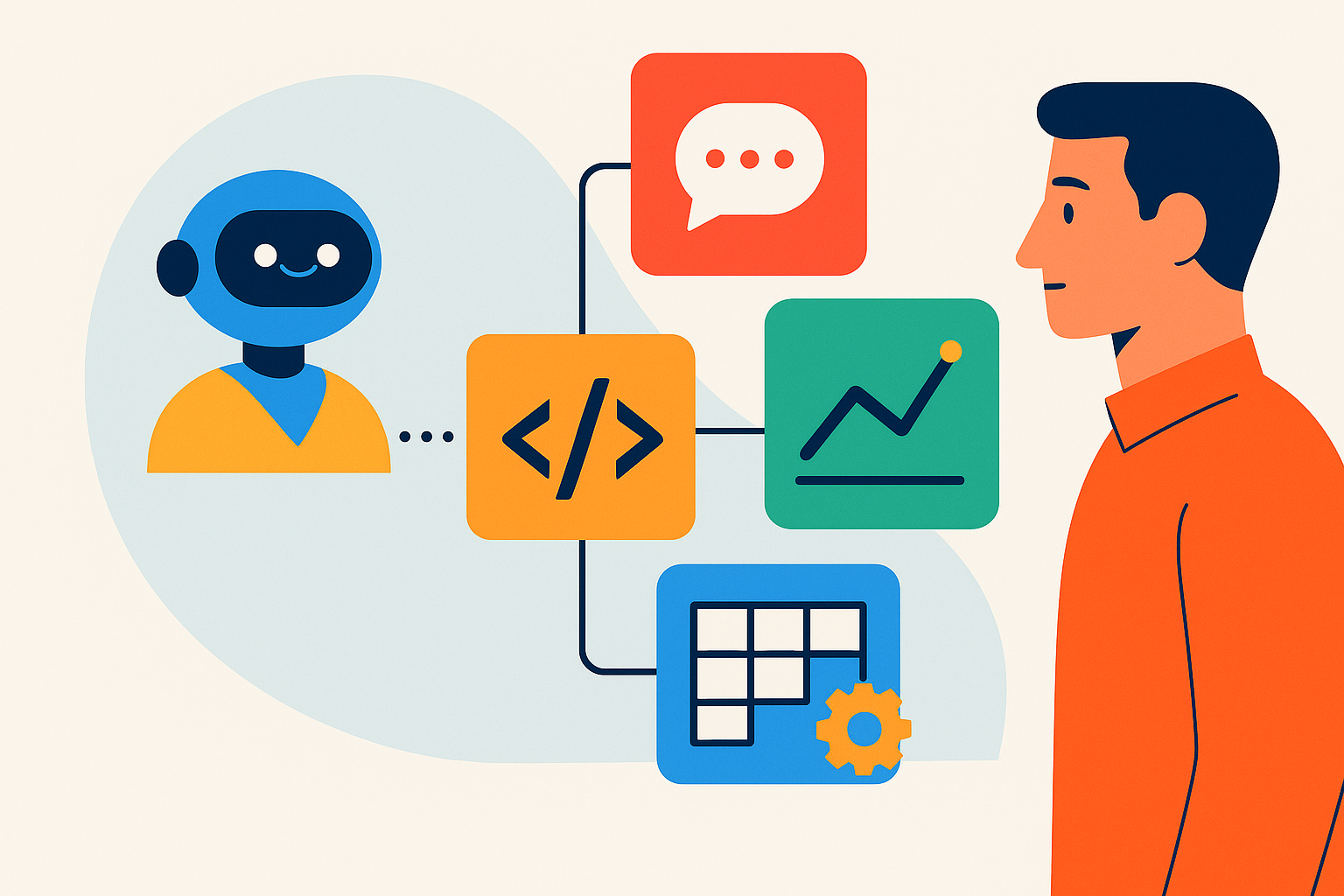
The Model Context Protocol (MCP) is an open-source standard developed by Anthropic that fundamentally changes how AI models interact with business systems. Instead of building custom integrations for each AI-tool combination (CRM, database, API), MCP provides a universal interface—a "plug-and-play" layer that lets any compatible AI model (Claude, GPT-4, Gemini, open-source LLMs) securely access your company's data and tools in real time.
Think of MCP as USB-C for AI: one protocol, infinite connections. For technical teams and business leaders, this means:
- Elimination of integration debt: According to Leonar.app, "AI-tool integrations go from weeks of development to minutes with MCP" (2024).
- Real-time context for AI agents: Your AI can query live CRM records, pull manufacturing metrics, or trigger ERP workflows—all via natural language, without manual SQL or API calls.
- Model-agnostic architecture: Swap AI providers (Claude → GPT-4 → local Llama) without rewriting connectors.
- Enterprise-grade security: MCP servers run on your infrastructure (on-prem or private cloud), with OAuth2/API token authentication and granular permissions.
"MCP transforms AI from a generic chatbot into a context-aware colleague that understands your business data and processes." — AI Engineer, Keerok
Unlike point-to-point integrations (each tool → each AI = N×M connections to maintain), MCP creates an abstraction layer: 1 MCP server = universal access for all your AI models. This architecture mirrors the microservices revolution of the 2010s—but for AI.
MCP Architecture Deep Dive: How to Connect AI to Business Tools in Practice
The MCP stack consists of three core components:
- MCP Client: Embedded in your AI application (Claude Desktop, custom agent, LangChain workflow). Sends requests to the server.
- MCP Server: A lightweight program (Python, TypeScript, Node.js) that exposes your business tools via resources (data), prompts (templates), and tools (actions). Example: An Airtable MCP server exposes a "customer list" resource and a "create contact" tool.
- Transport Layer: JSON-RPC over stdio (local) or SSE (network), secured by TLS, OAuth2, or API tokens.
Step-by-Step Implementation Guide for Technical Teams
Step 1: Identify High-Value Integration Targets
Start with 2-3 critical data sources: your CRM (Salesforce, HubSpot, Airtable), product database (PostgreSQL, MySQL), or internal APIs (inventory, HR, support tickets). Prioritize systems where manual data extraction is a bottleneck.
Step 2: Choose or Build an MCP Server
Use pre-built servers from the official MCP GitHub repo (PostgreSQL, Google Drive, Slack, GitHub) or build your own. Example: Minimal MCP server for a REST API in Python:
import mcp
from mcp.server import Server
import httpx

server = Server("crm-mcp")

@server.list_resources()
async def list_customers():
    async with httpx.AsyncClient() as client:
        response = await client.get("https://api.yourcrm.com/customers", headers={"Authorization": "Bearer TOKEN"})
        data = response.json()
    return [{"uri": f"customer://{c['id']}", "name": c['name'], "mimeType": "application/json"} for c in data]

@server.call_tool("create_contact")
async def create_contact(name: str, email: str, company: str):
    async with httpx.AsyncClient() as client:
        await client.post("https://api.yourcrm.com/contacts", json={"name": name, "email": email, "company": company})
    return {"success": True, "message": f"Contact {name} created"}

if __name__ == "__main__":
    server.run()
Step 3: Configure Authentication and Permissions
Implement least-privilege access: read-only for sensitive data (customer records), write access only for automated workflows (ticket creation). Use scoped API tokens that expire after 24-48 hours. For multi-tenant systems, isolate data by organization ID.
Step 4: Connect Your AI Model
For Claude Desktop, add your MCP server to claude_desktop_config.json:
{
  "mcpServers": {
    "crm": {
      "command": "python",
      "args": ["/path/to/crm_mcp_server.py"],
      "env": {
        "CRM_API_KEY": "your_api_key_here"
      }
    }
  }
}
Restart Claude. It can now answer "Which customers purchased this month?" by querying your live CRM data.
Step 5: Test, Monitor, and Scale
Start with read-only queries (data retrieval), then add actions (create ticket, update status). Instrument your MCP server with logging (request volume, latency, errors) and set up alerts for failed authentication attempts. According to Gensai.ai, a small technical team can connect an AI to multiple business tools in just a few hours.
Need expert guidance on deploying MCP in your infrastructure? Explore our AI integration services for business applications, designed for technical teams scaling AI adoption.
Real-World Case Studies: How Companies Use MCP to Automate with AI
Manufacturing: Real-Time Machine Data Analysis with Tulip
Context: A mid-sized manufacturer using Tulip (no-code platform for shop floors) wanted operators to query machine performance (cycle times, downtime, defect rates) without SQL skills or manual report generation.
MCP Solution: Deployed an open-source MCP server connected to Tulip's PostgreSQL database, hosted on-premise for security. AI agents (Claude) retrieve metrics via natural language: "What's the average cycle time for Line 3 today?" or "Show me downtime events for Machine 5 this week."
Results: 80% reduction in time spent extracting manual reports. Operators get insights in 10 seconds instead of 30 minutes. Permissions managed via API tokens (read-only for operators, write access for engineers). Source: Tulip.co.
Recruiting: Connecting AI to Candidate Pipelines
Context: A recruiting agency juggled multiple tools (ATS, LinkedIn, email) and wasted hours syncing candidate data manually. Custom integrations would have taken 4-6 weeks to build.
MCP Solution: Unified MCP server exposing sourcing data, pipelines, and outreach tools. AI assistant (Claude) handles queries like "Which React developer candidates responded this week?" or "Send a follow-up email to candidates in 'Waiting' status."
Results: Development time dropped from weeks to minutes. 60% productivity gain on administrative tasks. The agency now scales AI-driven outreach to 500+ candidates/month without additional headcount. Source: Leonar.app.
E-Commerce: AI-Powered Inventory Management with Airtable
Context: An online retailer used Airtable for inventory and orders but wanted automated restock alerts without coding custom workflows.
MCP Solution: Airtable MCP server (available on GitHub) connected to Claude. AI monitors stock levels and triggers supplier orders automatically: "Create a purchase order for 50 units of Product X if stock < 10."
Results: Zero stockouts in 6 months, 40% reduction in manual inventory management time. Implementation cost: 2 days of internal dev work.
"With MCP, our clients go from idea to production AI automation in one week, not three months." — AI Consultant, Keerok
MCP vs. Traditional Integrations: Comparison Table and Readiness Checklist
| Criteria | Point-to-Point Integrations | Model Context Protocol (MCP) |
|---|---|---|
| Development Time | 2-6 weeks per tool/AI pair | Hours to 2 days |
| Maintenance Burden | Manual updates for each API change | Centralized maintenance on MCP server |
| Interoperability | Tool-specific code (Claude ≠ GPT-4) | Universal: any MCP-compatible model |
| Security | Scattered credential management | Centralized auth (OAuth2, API tokens) |
| Scalability | Exponential complexity (N tools × M AIs) | Linear (1 server = universal access) |
| Technical Cost | High (full-time developers) | Low (open-source servers, fast config) |
MCP Readiness Checklist for Technical Teams
- ✅ API-accessible data: Do your business tools (CRM, ERP, databases) expose REST or GraphQL APIs?
- ✅ Clear automation use cases: Have you identified 3-5 repetitive tasks AI could handle (e.g., report extraction, status updates, data search)?
- ✅ Minimal infrastructure: Do you have a server (cloud or on-prem) to host an MCP server, or a team capable of deploying a Python/Node.js script?
- ✅ Security requirements: Can sensitive data be processed on-prem or in a private cloud (AWS VPC, Azure Private Link)?
- ✅ Budget and timeline: Are you ready to invest 2-5 days of initial development for a 40-60% productivity gain on automated tasks?
If you check 4/5 boxes, MCP is a good fit. If not, get in touch with our team for a free feasibility audit.
Advantages and Limitations of MCP for Enterprise AI Adoption
Key Advantages
- Speed to production: Connect tools in hours, not months.
- Reduced IT costs: Less custom development, simplified maintenance.
- Flexibility: Swap AI models (Claude → GPT-4) without refactoring connectors.
- Enhanced security: Granular access control, on-prem deployment option.
- Easy adoption: Open-source servers available, active community (GitHub, Anthropic forums).
Limitations and Considerations
- Protocol maturity: MCP is new (2024). Not all platforms support it yet (e.g., some legacy ERPs require custom adapters).
- Technical skills required: Deploying an MCP server requires Python/TypeScript knowledge and API management skills. Teams without in-house expertise may need external support.
- Data security risks: Misconfigured MCP servers can expose sensitive data. Follow best practices: TLS encryption, time-limited tokens, audit logs.
- Ecosystem dependency: If Anthropic abandons MCP (unlikely given growing adoption), migration will be needed. Prefer open-source implementations to retain control.
"MCP isn't a silver bullet, but it's a strategic accelerator for companies that want to industrialize AI without exploding their IT budget." — Automation Expert, Keerok
Security, Compliance, and Best Practices for Enterprise MCP Deployment
For enterprises, connecting AI to business tools raises critical questions about data sovereignty and regulatory compliance. Here are the key recommendations:
Hosting and Data Localization
- Use regional cloud providers: AWS (eu-west-1), Azure (West Europe), or on-prem infrastructure for critical data.
- Avoid cross-border data transfers: If using US-based AI models (GPT-4), ensure data passes through local MCP servers (no direct transmission of raw data to OpenAI).
Authentication and Access Control
- Time-limited API tokens: Rotate tokens every 24-48 hours.
- Least privilege principle: Limit AI access to only necessary data (e.g., read-only on customer contacts, write-only on support tickets).
- Audit logs: Track all MCP requests (who accessed what, when) for compliance and security monitoring.
Encryption and Network Security
- TLS 1.3 mandatory: Encrypt all communications between client and MCP server.
- Firewall and VPN: Isolate the MCP server in a private network, accessible only via VPN for authorized teams.
Compliance Considerations (GDPR, SOC 2, HIPAA)
- Data minimization: Connect only necessary fields (e.g., name and email, not SSN).
- Right to deletion: Ensure your MCP server can delete a user's data on request.
- Data Processing Agreement (DPA): If using third-party AI providers, sign a DPA covering MCP data flows.
Official resource: Anthropic's MCP Security Guidelines.
Next Steps: How Keerok Helps Companies Adopt MCP for AI Automation
The Model Context Protocol isn't just a technical innovation—it's a strategic lever for companies that want to industrialize AI without multiplying IT costs. At Keerok, we support organizations in three key areas:
- Feasibility Audit: We analyze your business tools (CRM, ERP, databases) and identify quick-win MCP opportunities (ROI in 3-6 months).
- Custom MCP Server Development: We build secure connectors for your internal APIs, with on-prem or private cloud hosting.
- Training and Knowledge Transfer: We train your IT teams to deploy and maintain MCP servers independently.
Your 4-Week Action Plan:
- Week 1: Identify 2-3 priority business tools and list AI use cases (e.g., "Automate support ticket creation from customer emails").
- Week 2: Test an open-source MCP server (PostgreSQL, Google Drive) in a dev environment. Resource: Official MCP GitHub Repository.
- Week 3: Deploy a pilot on a limited scope (1 team, 1 tool). Measure time saved and friction points.
- Week 4: Industrialize: secure infrastructure (TLS, tokens, logs), document workflows, train end users.
Need a hand? Get in touch with our AI automation experts for a free discovery workshop (1 hour). We'll show you how to connect your first business tool to Claude or GPT-4 in under 30 minutes.
Additional Resources:
- Official MCP Documentation (Anthropic)
- Open-Source MCP Server Examples
- AI Solutions for Business Applications (Keerok)
MCP marks the beginning of a new era: one where AI becomes an augmented colleague, capable of understanding and acting on your business context in real time. Companies that adopt this standard in 2025 will gain a competitive edge. When will you connect your first AI?