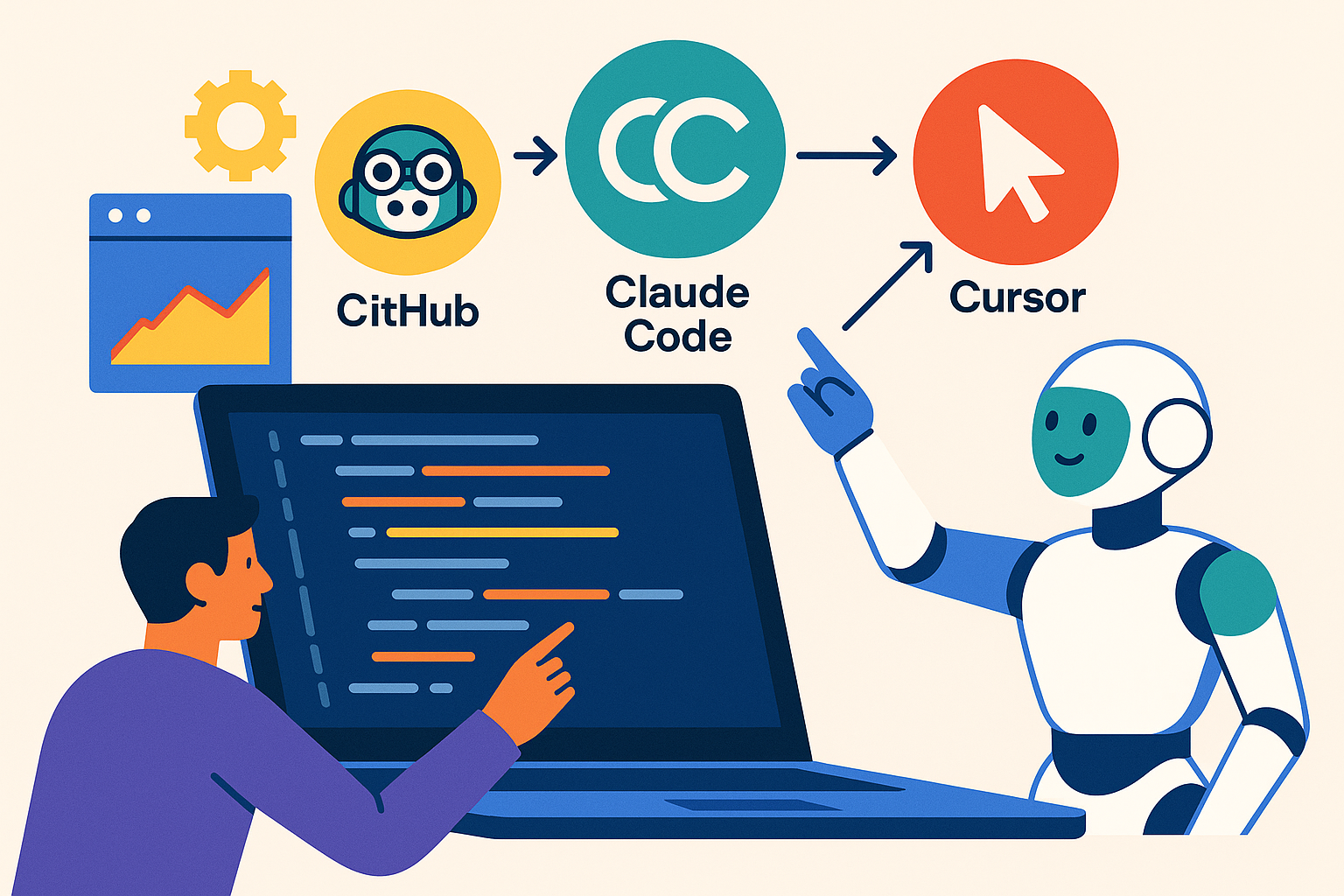
Architectural Paradigms: Three Distinct Approaches to AI-Assisted Development
The AI coding assistant landscape in 2026 has crystallized around three architectural philosophies that fundamentally shape developer experience and organizational fit. GitHub Copilot leverages deep Microsoft ecosystem integration with enterprise-grade compliance controls. Cursor implements an agentic architecture with semantic codebase analysis and multi-file understanding. Claude Code operates as a terminal-native autonomous agent with built-in git workflows and 200K token context windows.
According to Augment Code's comprehensive analysis, Cursor achieves a 39% increase in merged pull requests through its agentic architecture, while GitHub Copilot Enterprise delivers 55% faster task completion with a 30% code acceptance rate. Claude Code demonstrates technical superiority with a 77.2% SWE-bench solve rate for Claude Sonnet 4.5, the highest documented performance on real-world problem-solving benchmarks.
"AI coding assistants are evolving from simple code completion tools to agentic collaborators capable of autonomous multi-file refactoring and complex task execution."
These performance differentials reflect fundamental architectural choices rather than incremental improvements. Understanding these distinctions is critical for engineering leaders evaluating ROI, adoption friction, and long-term strategic fit. At Keerok, our AI business applications expertise enables us to guide organizations through this strategic selection process.
GitHub Copilot: Microsoft Ecosystem Integration for Established Organizations
Technical Capabilities and Enterprise Features
GitHub Copilot positions itself as the natural choice for organizations already invested in the Microsoft development ecosystem. Native integration with Visual Studio Code, JetBrains IDEs, and Visual Studio minimizes adoption friction and preserves established developer workflows. The Enterprise tier, launched in 2024, introduces capabilities specifically designed for large-scale organizational deployment:
- Private codebase indexing: Copilot analyzes your proprietary code repositories to generate context-aware suggestions aligned with internal patterns and conventions
- Enterprise compliance controls: Code filtering policies, usage governance, comprehensive audit trails for regulatory requirements
- Native GitHub integration: Automated pull request summaries, code review suggestions, inline documentation generation
- Multi-model flexibility: Access to GPT-4, Claude, Gemini, and other models depending on task requirements
- Organization-wide policy management: Centralized control over model selection, code filtering rules, and usage analytics
Performance data from Augment Code shows that teams using GitHub Copilot Enterprise experience 55% faster task completion times. However, the 30% code acceptance rate suggests developers maintain significant quality control oversight—a positive indicator of thoughtful AI adoption rather than blind acceptance.
Pricing Architecture and Total Cost of Ownership
GitHub implements a three-tier pricing model designed to scale from individual developers to enterprise organizations:
| Tier | Pricing | Target Audience | Key Features |
|---|---|---|---|
| Individual | $10/month | Independent developers | Code completion, AI chat, multi-line suggestions |
| Business | $19/user/month | SMBs and development teams | + Centralized management, usage policies |
| Enterprise | $39/user/month | Large organizations | + Codebase indexing, advanced compliance, priority support |
For a 50-developer engineering organization, annual investment ranges from $11,400 (Business) to $23,400 (Enterprise). The Enterprise tier becomes cost-effective when private codebase indexing generates measurable productivity gains—typically justified for organizations with significant proprietary code patterns or domain-specific frameworks.
Optimal Use Cases and Strategic Fit
GitHub Copilot demonstrates clear advantages in specific organizational contexts:
- GitHub-centric development workflows: Organizations with repositories, actions, projects, and CI/CD pipelines already on GitHub benefit from seamless integration without additional tooling overhead
- Microsoft 365 enterprise customers: Natural synergy with Azure DevOps, Teams collaboration, and broader Microsoft cloud services
- Regulated industries with compliance requirements: Enterprise-grade security controls, audit trails, and GDPR/SOC2 compliance certifications address financial services, healthcare, and government sector needs
- Multi-language development teams: Extensive language support spanning JavaScript, Python, TypeScript, Go, Ruby, C++, Java, and 40+ additional languages
A documented case study from Augment Code demonstrates how a GitHub-centric organization with an existing Microsoft ecosystem preserved established IDE workflows through tight VS Code and JetBrains integration, enabling rapid deployment without requiring developers to adopt new development environments or significantly modify existing practices.
Cursor: Agentic Architecture for Advanced Contextual Understanding
Technical Innovation and Architectural Differentiation
Cursor represents a fundamental architectural departure from traditional code completion approaches. Rather than implementing pattern-matching autocomplete, Cursor deploys an agentic architecture with deep semantic analysis of codebases. This means the tool understands inter-file relationships, module dependencies, and global project structure—not just local context within individual files.
Cursor's distinctive technical capabilities include:
- Native multi-file comprehension: Simultaneous analysis of multiple files enabling coherent cross-file refactoring operations
- Cloud agent deployment (launched February 2026): Remote execution of coding tasks with autonomous orchestration and task management
- Semantic codebase indexing: Relationship mapping between components for contextually-aware suggestions that respect architectural patterns
- Flexible multi-model support: Dynamic selection between GPT-4, Claude Sonnet, Gemini, and Grok depending on task characteristics
- Composer Mode: Multi-file code generation and modification with architectural consistency enforcement
- Codebase-aware chat: Natural language queries that understand your entire project structure and can reference specific implementations
Performance data from Augment Code shows Cursor achieving a 39% increase in merged pull requests compared to other tools—a metric directly attributable to superior contextual understanding that produces higher-quality, more maintainable code requiring fewer revision cycles.
"Cursor's agentic architecture delivers superior multi-file context understanding through semantic analysis, enabling more effective cross-file coordination and higher merged PR rates."
Pricing Model and Economic Considerations
Cursor implements a progressive pricing structure reflecting its advanced capabilities:
| Tier | Pricing | Included Usage | Features |
|---|---|---|---|
| Free | $0 | 2000 completions, 50 slow requests | Basic access, ideal for evaluation |
| Pro | $20/month | Unlimited completions, 500 fast requests | + Multi-model, Composer Mode |
| Business | $40/user/month | Increased quotas, centralized management | + Admin controls, team policies, usage analytics |
For a 50-developer team, annual investment reaches $24,000 (Business tier). This premium positioning is justified by measurable productivity gains on complex projects requiring frequent multi-file refactoring—use cases where Cursor's semantic understanding delivers disproportionate value compared to simpler autocomplete tools.
Strategic Use Cases and Adoption Scenarios
Cursor demonstrates exceptional value in specific technical contexts:
- Multi-repository codebases: Teams managing distributed microservices architectures or polyrepo structures benefit from semantic cross-repository understanding
- Large-scale refactoring initiatives: Architectural transformations requiring coordinated changes across dozens of files become feasible with agentic orchestration
- Complex feature development: Composer Mode generates architecturally consistent code across multiple modules simultaneously, reducing integration friction
- Teams valuing multi-model flexibility: Ability to switch between GPT-4 for code generation, Claude for reasoning, and Gemini for specific tasks optimizes cost-performance tradeoffs
A documented enterprise case study shows how a team with a multi-repository codebase achieved superior cross-file coordination and higher merged PR rates through Cursor's semantic analysis capabilities, enabling more effective management of distributed system complexity.
Claude Code: Terminal-Native Approach for DevOps Workflows
Architectural Philosophy and Technical Positioning
Claude Code (formerly Claude Computer Use) adopts a fundamentally different approach: rather than integrating into existing IDEs, it operates as an autonomous agent within terminal environments. This terminal-native architecture positions it ideally for DevOps teams, SRE organizations, and infrastructure-as-code workflows where CLI-first development is standard practice.
Distinctive technical characteristics include:
- Autonomous agentic execution: Multi-step task planning and execution without human intervention, enabling true automation of complex workflows
- Native git integration: Automatic commit creation and pull request generation with contextually appropriate commit messages
- 200K token context window: Ability to analyze entire codebases in a single session, enabling holistic understanding of large projects
- 77.2% SWE-bench solve rate: Industry-leading performance on real-world problem-solving benchmarks
- Terminal-first workflow integration: Natural integration into CLI pipelines, shell scripts, and automation frameworks
- Model flexibility: Access to Claude Sonnet 4.5, Claude Opus, and other Anthropic models optimized for different task types
According to TLDL.io's technical analysis, Claude Code for Claude Sonnet 4.5 achieves a 77.2% SWE-bench solve rate—the highest documented performance on standardized problem-solving benchmarks, demonstrating technical superiority for complex reasoning tasks.
Economic Model and Accessibility
Claude Code leverages Anthropic's Claude Pro subscription structure:
| Tier | Pricing | Usage Limits | Use Cases |
|---|---|---|---|
| Free | $0 | Limited daily requests | Experimentation, small projects |
| Pro | $20/month | 5x more requests | Individual developers, automation |
| Team | Custom pricing | Customized quotas | DevOps teams, infrastructure |
Claude Code's economic advantage lies in its non-per-developer pricing model. Teams can share Team-tier access for specific automation tasks, making the tool particularly cost-effective for DevOps and CI/CD workflows where usage is concentrated among infrastructure specialists rather than distributed across entire development organizations.
Optimal Use Cases and Adoption Patterns
Claude Code excels in specific technical scenarios:
- DevOps and SRE teams: Infrastructure automation, Terraform/Ansible script generation, Kubernetes configuration management
- Terminal-first workflows: Developers preferring vim/emacs and CLI environments who resist IDE adoption
- CI/CD pipeline automation: Generation and maintenance of GitHub Actions, GitLab CI, Jenkins configurations
- Maintenance and refactoring tasks: The 200K context window enables whole-project analysis for comprehensive refactoring initiatives
- Open-source contributions: Automated generation of well-documented commits and PRs that follow project conventions
A documented DevOps case study from Augment Code demonstrates how an infrastructure team integrated Claude Code into CLI workflows with agentic execution, native git integration, and automatic commit/PR generation, enabling autonomous multi-step task planning without requiring IDE adoption.
"Claude Code's terminal-native design with agentic execution enables autonomous multi-step task planning without requiring IDE adoption, ideal for DevOps workflows."
Comparative Analysis: Selection Criteria by Organizational Profile
Decision Matrix by Company Profile
Optimal tool selection depends on structural and technical factors specific to your organization. This decision matrix provides strategic guidance:
| Organization Profile | Recommended Tool | Strategic Rationale |
|---|---|---|
| Microsoft-centric enterprises | GitHub Copilot Enterprise | Native ecosystem integration, minimal deployment friction, enterprise compliance controls |
| Scale-ups with complex codebases | Cursor Business | Multi-file understanding, agentic refactoring, measurable productivity gains on architectural work |
| DevOps/SRE teams | Claude Code Pro/Team | Terminal-native workflows, CI/CD automation, infrastructure script generation |
| Regulated enterprises | GitHub Copilot Enterprise | Compliance controls, audit trails, SOC2/GDPR certifications, enterprise support SLAs |
| Early-stage startups | Cursor Free → Pro | Optimal price-performance ratio, multi-model flexibility, progressive scaling as team grows |
Technical and Organizational Evaluation Dimensions
Beyond organizational profile, several technical dimensions inform strategic selection:
1. Codebase Architecture
- Monorepo vs. multi-repository? Cursor excels with distributed architectures requiring cross-repo understanding
- Codebase size: Claude Code's 200K context window for very large projects (>1M LOC)
- Primary languages: GitHub Copilot offers broadest language support (40+ languages)
- Framework dependencies: Consider which tool best understands your specific framework patterns
2. Established Development Workflows
- IDE-centric (VS Code, JetBrains)? GitHub Copilot or Cursor minimize workflow disruption
- Terminal-first (vim, emacs, CLI)? Claude Code integrates naturally without IDE requirement
- Hybrid teams? Multi-tool adoption enables each subteam to optimize for their workflow preferences
3. Compliance and Security Requirements
- Regulated industries (finance, healthcare, government): GitHub Copilot Enterprise with comprehensive compliance controls
- Proprietary code sensitivity: On-premise indexing or secure cloud deployment options
- Audit trail requirements: GitHub Copilot Enterprise or Cursor Business provide detailed usage analytics
4. Budget and Expected ROI
- Constrained budget (<$20K/year): GitHub Copilot Business or Cursor Pro for core team members
- Productivity gain focus: Cursor with merged PR tracking demonstrates measurable impact
- DevOps optimization: Claude Code delivers ROI through automation rather than per-developer productivity
Emerging Trends and Hybrid Adoption Patterns
A notable 2026 trend is hybrid multi-tool adoption. According to market analysis, many engineering organizations now deploy multiple assistants strategically:
- Cursor for IDE-based feature development: Complex feature work, architectural refactoring, multi-file changes
- Claude Code for CLI automation: DevOps scripts, CI/CD pipelines, infrastructure-as-code
- GitHub Copilot for quick completions: Daily autocomplete, contextual suggestions, documentation generation
This approach capitalizes on each tool's specific strengths while managing total cost of ownership. For a 50-developer organization, a hybrid deployment might include Cursor Business (20 licenses for senior engineers on complex work) + Claude Code Team (DevOps automation) + GitHub Copilot Business (30 licenses for maintenance developers)—optimizing overall ROI while addressing diverse workflow needs.
Code Quality Concerns and Adoption Best Practices
The Code Duplication Challenge
A critical issue documented in 2024 concerns AI-generated code quality. According to GitClear's comprehensive analysis, an 8-fold increase in code duplication was observed during 2024 across 211 million lines of code changes. This statistic raises fundamental questions about technical debt accumulation and long-term codebase maintainability.
Best practices for mitigating quality risks include:
- Mandatory code review: Never merge AI-generated code without thorough human review—treat AI suggestions as first drafts requiring validation
- Enhanced automated testing: Increase test coverage requirements for AI-generated code to validate correctness and edge case handling
- Static analysis enforcement: Deploy tools like SonarQube, CodeClimate, or ESLint to detect duplication, anti-patterns, and technical debt accumulation
- Team training programs: Educate developers on AI assistant limitations, quality warning signs, and effective prompt engineering
- Quality metrics tracking: Monitor technical debt, code duplication ratios, cyclomatic complexity, and maintainability indices over time
Productivity vs. Quality: Finding the Balance
A counterintuitive finding from METR's 2025 research reveals that AI tools increased task completion time by 19% among experienced developers in a randomized controlled trial. This data suggests AI assistant adoption requires significant learning curves and workflow adaptation periods.
Contributing factors include:
- Validation overhead: Time required to verify and correct AI suggestions, especially for complex logic
- Workflow adaptation: Learning new interaction patterns and prompt engineering techniques
- Learning curve duration: Mastering advanced features like multi-file editing, codebase-aware chat, and agentic task delegation
- False positive handling: Time wasted evaluating and rejecting non-relevant suggestions
To maximize AI assistant value, organizations should invest in:
- Structured onboarding programs: 2-3 day training sessions covering best practices, prompt engineering, and quality control
- Internal champions network: Identify early adopters to document effective usage patterns and evangelize best practices
- Pilot program methodology: 2-3 month evaluation period with controlled rollout before organization-wide deployment
- Success metrics framework: Track velocity, code quality, developer satisfaction, and technical debt accumulation
Implementation Roadmap for Engineering Organizations
For engineering leaders evaluating AI coding assistants, we recommend this phased approach:
Phase 1: Evaluation (Months 1-2)
- Deploy free/trial versions of all three tools to 3-5 volunteer developers
- Test against real-world tasks representative of your codebase complexity
- Document productivity gains, quality issues, and developer feedback
- Measure baseline metrics: task completion time, PR merge rate, code review cycles
Phase 2: Pilot Deployment (Months 3-4)
- Select optimal tool(s) based on evaluation data and strategic fit
- Deploy to 30-50% of engineering organization (early adopters + representative sample)
- Implement quality controls: mandatory code review, enhanced testing, static analysis
- Track success metrics: velocity changes, quality indicators, adoption rates
Phase 3: Scaling (Months 5+)
- Extend to full organization if ROI demonstrated (typically 15-25% productivity gain threshold)
- Formalize best practices documentation and usage guidelines
- Evaluate hybrid multi-tool adoption for specialized workflows (DevOps, infrastructure, etc.)
- Establish continuous improvement process: quarterly usage reviews, tool updates, training refreshers
At Keerok, our AI business applications expertise enables us to guide organizations through this adoption journey—from initial assessment to scaled deployment and continuous optimization.
Strategic Recommendations: Choosing Your 2026 AI Coding Strategy
The 2026 AI coding assistant market offers three mature but fundamentally different options. GitHub Copilot dominates for Microsoft-centric organizations valuing native integration and enterprise compliance. Cursor represents the optimal choice for teams working on complex codebases requiring advanced multi-file understanding and agentic refactoring. Claude Code excels in DevOps and terminal-first workflows where autonomous agentic execution delivers immediate value.
Performance data confirms distinct usage profiles: GitHub Copilot with 55% task completion time reduction, Cursor with 39% merged PR increase, and Claude Code with 77.2% SWE-bench solve rate. These metrics reflect radically different architectures and technical philosophies rather than incremental feature differences.
For engineering organizations, the strategic recommendation is clear: begin with a structured 2-3 month evaluation phase before significant investment. Free and trial versions enable real-world testing against your specific codebase complexity and workflow patterns. Hybrid multi-tool adoption emerges as a pragmatic trend, capitalizing on each assistant's specific strengths for different use cases.
Code quality vigilance remains paramount. The documented 8-fold increase in code duplication during 2024 reinforces that AI assistants are amplification tools: they amplify good practices and bad practices equally. Mandatory code review, enhanced automated testing, and quality metrics tracking are essential to maximize value while controlling technical debt accumulation.
The productivity gains are real—but they require investment in training, workflow adaptation, and quality controls. Organizations that treat AI assistant adoption as a strategic initiative (not just a tool purchase) realize 15-25% productivity improvements while maintaining or improving code quality. Those that simply deploy tools without structured adoption programs often see minimal gains or even productivity declines during extended learning curve periods.
Ready to develop a strategic AI coding assistant adoption plan for your engineering organization? Get in touch with our team for a customized assessment of your technical requirements, workflow patterns, and optimal tool selection strategy.